WEB INTEGRATIONS ONBOARDING

Welcome to the Avantio web department

The creation of your project with our management, design and development team begins here.

Below, you will find detailed information about our protocol and discover how we will work together step by step.

The goal: ensuring a complete process that is as smooth and optimal as possible in order to create a product that contributes to the growth of your business.

webs para gestión y alquiler de propiedades

Avantio Booking System Integration via Subdomain

What does this mean?

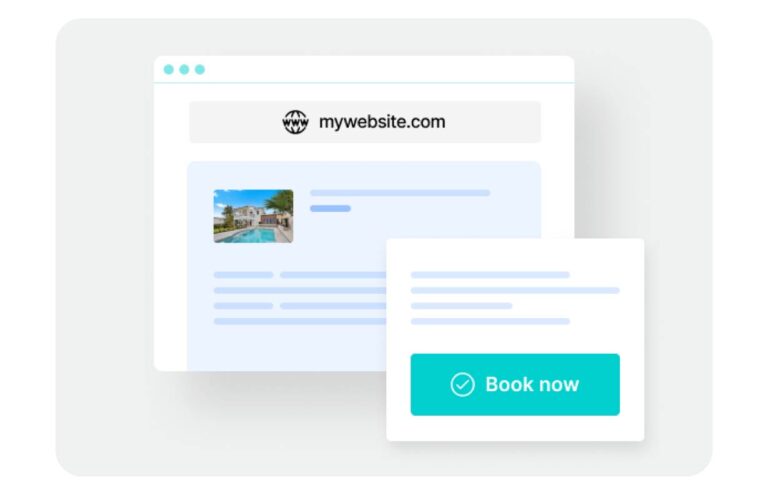
This projects consists of developing Avantio’s booking system at a subdomain of your choice, allowing you to be able to use it on your own website.

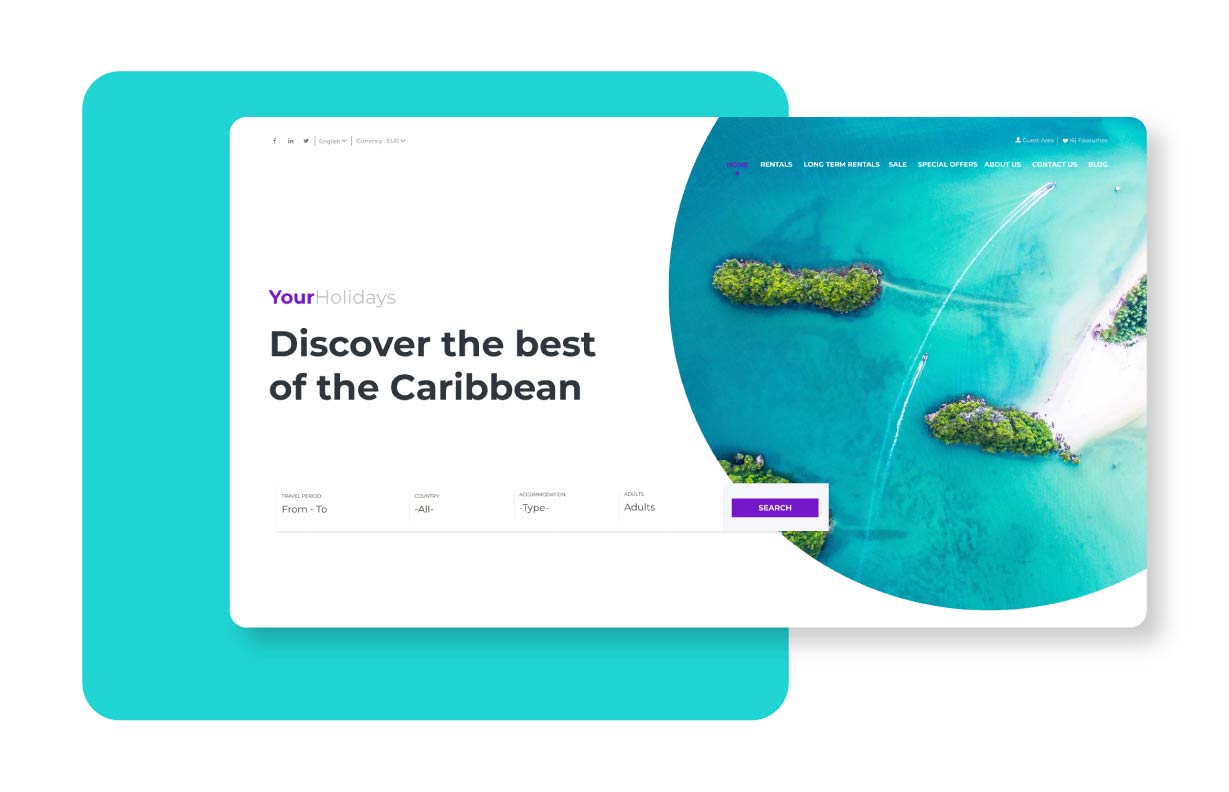
For example, if your domain is yourholidays.com, possible subdomains could be booking.yourholidays.comreserve.yourholidays.com, however you would like!

You must understand that we do not enter your main website at any time. Accordingly, on your own website, we cannot change your menu, add buttons or insert any elements at any time. Modifications can only be made at the subdomain where you Avantio Booking System is located.

Creating your Booking System Integration

Step-by-step guide to the 5 stages of the project

Kick-off

Once you’ve read this page, please contact your Project Manager to start the project. You can do this through the Client Portal by clicking here.

We’ll give you access to our Avantio Academy platform, where you can watch videos that explain the product in detail and outline the materials we’ll need to create your project, based on your selected integration plan. Our video tutorial platform also contains all the configuration details for the VRMS web modules.

If you have any questions, we’d be happy to schedule a video conference to help you.

Creating your Booking System Integration

Submission of Content

After watching the videos, you’ll have 10 days to gather all the necessary materials.

Please share the complete material with us through the Client Portal by clicking here.

Submission of Content

Development

Once you have sent all the necessary content, our technical team will start the development of your integration.

The estimated development time is 10 to 20 business days, depending on your chosen integration plan.

Important: We strongly recommend that your integration launches after your VRMS training has been completed, so that the information synchronized from the VRMS to your integration is correct.

VRMS training

Pre-Launch

To get your integration online, we will need you to validate an SSL certificate, sent by email to the admin@yourdomain.com email address you had created, as per step #2.

Then, we will send you instructions in order for you to update your DNS and point the subdomain to Avantio servers.

Please create and point the subdomain secure.subdomain.yourdomain.com (e.g., secure.reservations.yourdomain.com) from your hosting service.

Pre-Launch

Launch

Your integration is online!

Once online:

  • We will send you a script so that your technician can integrate the search bar (or other scripts included in your plan) onto your non-Avantio site’s homepage

Please see a sample script to make sure your developer can integrate it: HERE

If you are unable to do so, you could, alternatively, add a button on your own website or a tab in your site’s menu that links to the subdomain.

Important: Please take into account that we offer you the necessary instruction in order to integrate the widget. However, given that this process regards work on an external, non-Avantio website, our technicians cannot contribute to this integration.

  • On our video tutorial platform, you can view all the configurations for the VRMS web modules.
  • From the day of launch and after viewing the tutorials, you have two weeks to contact us so that we can arrange a video call to answer any questions you may have. In addition, this session is time to let us know of any adjustments / changes to the integration.

After this period finalizes, you will always be able to send any questions or requests to Customer Support via ticket.

You also have access to our online Knowledge Base, where you can consult our text tutorials regarding the configuration of your integration and keep up-to-date with new features and updates.

Avantio Employee handbook

Commitment to the Success of your Project

At Avantio, we strive to offer optimal service and produce high-quality work. In order to meet these quality standards, mutual commitment to these protocols and deadlines is essential. Because of this, we would like you to keep in mind that if the maximum period of three months from project initiation is exceeded without being able to complete the project due to lack of material or necessary information, the website will be considered finalized.

If, in the future, you would like to resume and complete the project, you will be able to do so by contacting your account manager.

What do I need for Video Calls?

A computer

Headphones with microphone

An Internet connection

Web Development Stages

1

Kick-off

5 days
2

Submission of Content

10 days
3

Development

Between 10 and 20 days
4

Post-production changes

2 weeks
5

Further Changes

Customer Care Department
During this project, we will communicate via a Client Portal, which you can access HERE.
We recommend bookmarking it for easier access.
This platform will allow all parties involved during your onboarding to know what stage of the project you’re at and how we can best assist.
Get started