
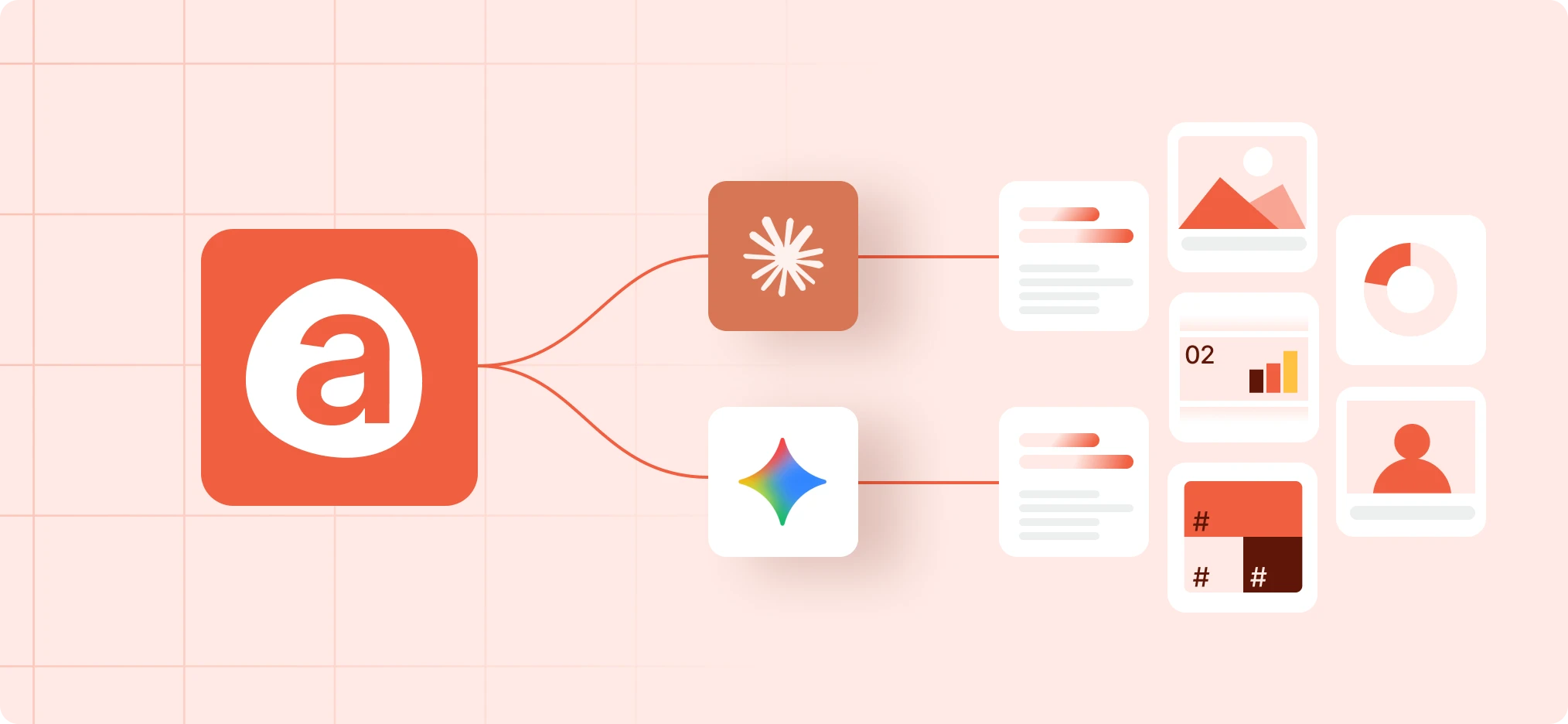
Here you’ll find the AI tools that help you create on-brand content and find official Avantio materials faster. They know our brand values, our voice and where every official resource lives, so you can focus on what you want to say.

Please apply these resources responsibly. If you have doubts about the appropriate use based on your needs, consult the FAQs section at the end of this page to ensure compliance with our brand guidelines.
Which tool should I use?
I need to...
Use
Works in
Check if something is on-brand, or get an exact color, logo or font
Brand Foundations
Claude and Gemini
Find a badge, a logo, a team photo or a template
Brand Foundations
Claude and Gemini
Write a short text in Avantio's voice
Brand Foundations
Claude and Gemini
Create a LinkedIn or Instagram post, carousel, story or banner
Social Media Production
Claude
Create a presentation
Presentations
Claude
Ask for approval, a review or a material that is missing
The Brand team request form
Slack
Social Media Production, Presentations and the Product Image Library need Brand Foundations to be active. The Product Image Library works behind the scenes: you don’t need to ask for it.
Choose your path
Add the four skills from your organization’s library, once. After that, they are ready to use in any chat.
- In Claude, go to Settings, then Skills, and open the Discover tab.
- Search for “avantio” and press Add on the four skills whose name ends in “2026-v1”. Brand Foundations is required: the other tools don’t work without it.
- Open a new chat and describe what you need in your own words, for example: “Make me a LinkedIn post about Mid-term”.
- When you have your piece, the skill tells you how to send it for review.
The four skills are: avantio-brand-identity-foundations-2026-v1, avantio-social-media-production-2026-v1, avantio-presentations-2026-v1 and avantio-image-library-2026-v1.
Create your own skills:
Do you already have a skill of your own in Claude that creates content for Avantio? Ask it to consult Brand Foundations, so it uses the official logo, colors, typography and voice, and doesn’t invent brand values. The same goes for a new skill. You only need to add one short text to your skill’s instructions and keep Brand Foundations active.
Gemini has Brand Foundations only: brand questions and short texts in Avantio’s voice. It needs a manual install, once, in about two minutes.
- Download the zip: Get it for Gemini
- In Gemini, go to Customize, then Skills. Press Create, choose Upload, and select the zip.
- Check that the Description field is filled in. If it is empty, copy the text from this document and paste it there: Brand Foundations description for Gemini
- Save the skill and check that it appears under “Active”. If it appears under “Inactive”, open its menu (the three dots) and press Activate. An inactive skill is not used.
Version: October 23, 2026
FAQS
Approval and review
Do I need approval to use official materials?
Only when a third party uses them: collaborations, media, co-branding and joint publications with partners. The Avantio team doesn’t need approval to use official materials, unmodified, in its own presentations, fairs and communications. For anything you create with the AI tools, we recommend sending it to the brand team before you publish it, especially if you are not sure about the result.
How do I send a piece for review?
With the “Brand team request” form in Slack. The skills give you the link when you need it: copy it, paste it in a Slack message (for example, to yourself) and press “Start workflow”. You can also find it in Slack, under Agents & tools, Workflows, tab All, with the play button. Fill in the form’s questions and send it.
How long does the brand team take to reply?
The form lets you choose a deadline. Choose “Today” and send it before 2 pm (Madrid time) to get a first reply the same day. “This week” means within 2 working days, and “No rush” within 5 working days. A first reply can be an approval, a question or requested changes.
What if I'm in a hurry?
If there is no reply in time, a piece can be published and reviewed afterwards only if it passed the tool’s brand checks and doesn’t involve a third party or claims about the product. Those two cases always wait for approval.
Materials and files
Can I ask for a print-ready file?
The tools don’t produce final print files. Ask the brand team through the form and mark “Request a missing material or access”. We also recommend that anything that is going to be printed goes through the brand team first.
Can I use the tools to design a landing page?
No. They create content and pieces for social media and presentations, not websites.
Can I modify the product screenshots?
You can resize them, but do not crop, distort or alter the content shown on screen.
I can't find the screenshot or material I need. What do I do?
Ask for it with the “Brand team request” form and mark “Request a missing material or access”. The tool will tell you what is closest to what you need.
Setup and access
Why does a tool ask me to activate Brand Foundations?
Brand Foundations holds the official brand values. The other tools rely on it to apply them exactly, so they won’t start without it.
I installed the skill in Gemini, but it answers as if it didn't exist.
Go to Customize, Skills, and check that it appears under “Active”. If it is under “Inactive”, open its menu and press Activate. Also check that the Description field is filled in; if it is empty, copy it from the description document linked in the Gemini installation steps.
I don't see the tools in my account.
They are not added automatically: each person adds them once. Go to Settings, Skills, open the Discover tab, search for “avantio” and press Add on the four skills whose name ends in “2026-v1”. If you still can’t find them, send a request with the “Brand team request” form in Slack: copy this link, paste it in a Slack message (for example, to yourself) and press “Start workflow”: https://slack.com/shortcuts/Ft0CAFL1H0E8/ef769244ce13c8c014c0616de7e8f342 (it only works inside Slack). In “What do you need?”, mark “Request a missing material or access” and tell us which tools you can’t see.
