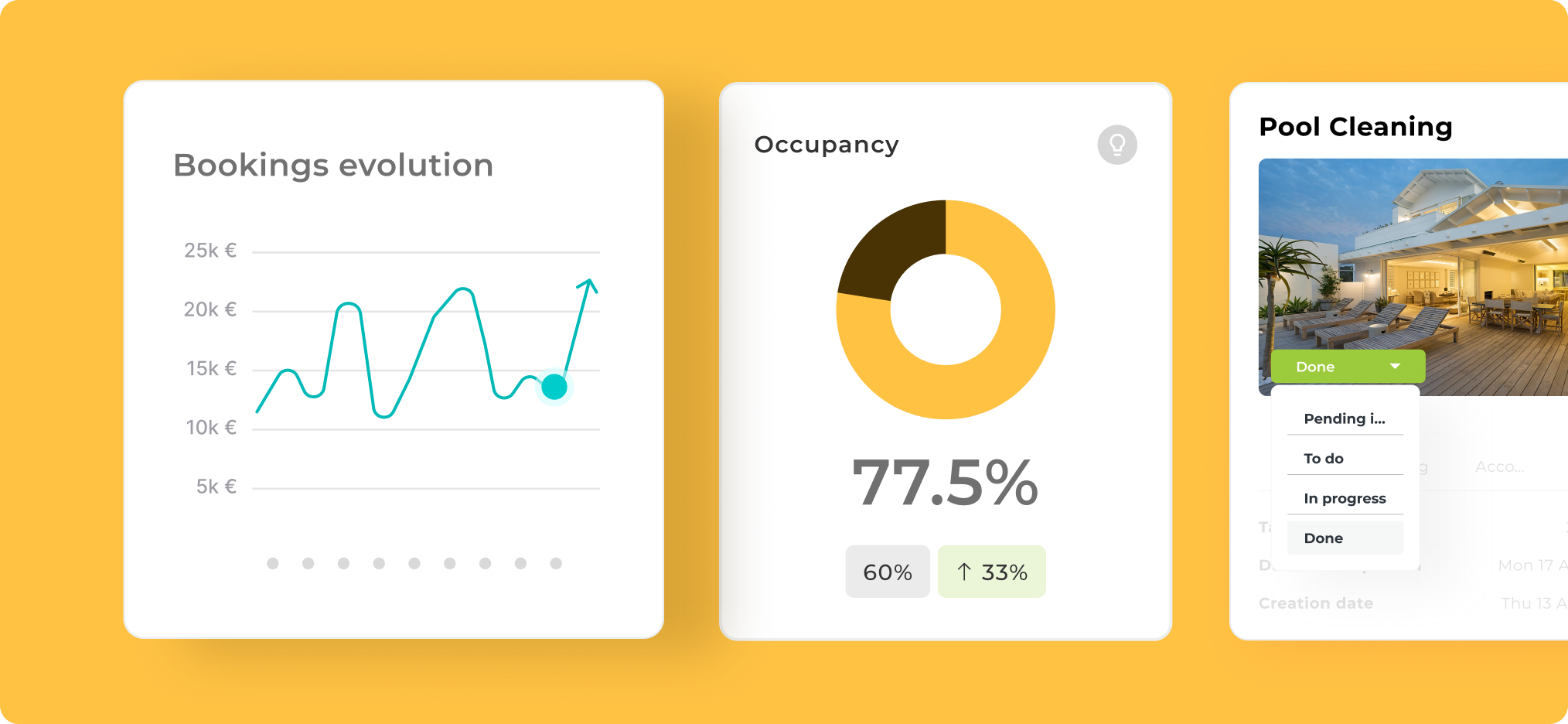
In this section, you will find visual resources that represent the Avantio product on different devices and in various contexts. These materials are designed to visually communicate our functionalities and convey a modern, professional image aligned with our visual identity.

Please apply these resources responsibly. If you have doubts about the appropriate use based on your needs, consult the FAQs section at the end of this page to ensure compliance with our brand guidelines.
Available Resources:
Updated screenshots of the VRMS and its features (web and mobile)
Visual compositions with neutral backgrounds and options with brand color
Mockups in context (computer, tablet, mobile)
Use this material for:
Illustrating the product in commercial presentations
Creating promotional materials, proposals, or training sessions
Accompanying social media posts or articles
How to use our Product Graphics correctly
Can I modify the screenshots or mockups to adapt them to my presentation?
You can resize them, but do not crop, distort, or alter the content displayed on the screen. If you need to adapt any material, contact the design team.
❌ Avoid to use

Avoid distorting the image by scaling it from the side edges or from the top and bottom.
✅ Right option

Make sure to scale the image proportionally according to the tool you are working with.
Are versions available in different languages?
Yes. In this section, you will find screenshots and mockups in the main languages in which we operate. If you don’t find a specific one, please consult us.
Can I use these materials in external publications or with partners?
Their use with external brands is not permitted without authorization. Once it authorized make sure that the visual integrity is maintained and the product context is respected.
What format is best to use for social media or presentations?
Use the PNG or JPG versions for social media and quick presentations. For printing or professional design, request the high-resolution file.
Where can I request an updated screenshot or mockup if there are product changes?
Contact the design or marketing team. We regularly update official visual resources to reflect the latest versions of the VRMS.
© Avantio Brand Center